Tag Archives: issues

Dualit 1.7 Litre “Classic” Kettles

Dualit 1.7 Litre “Classic” Kettles

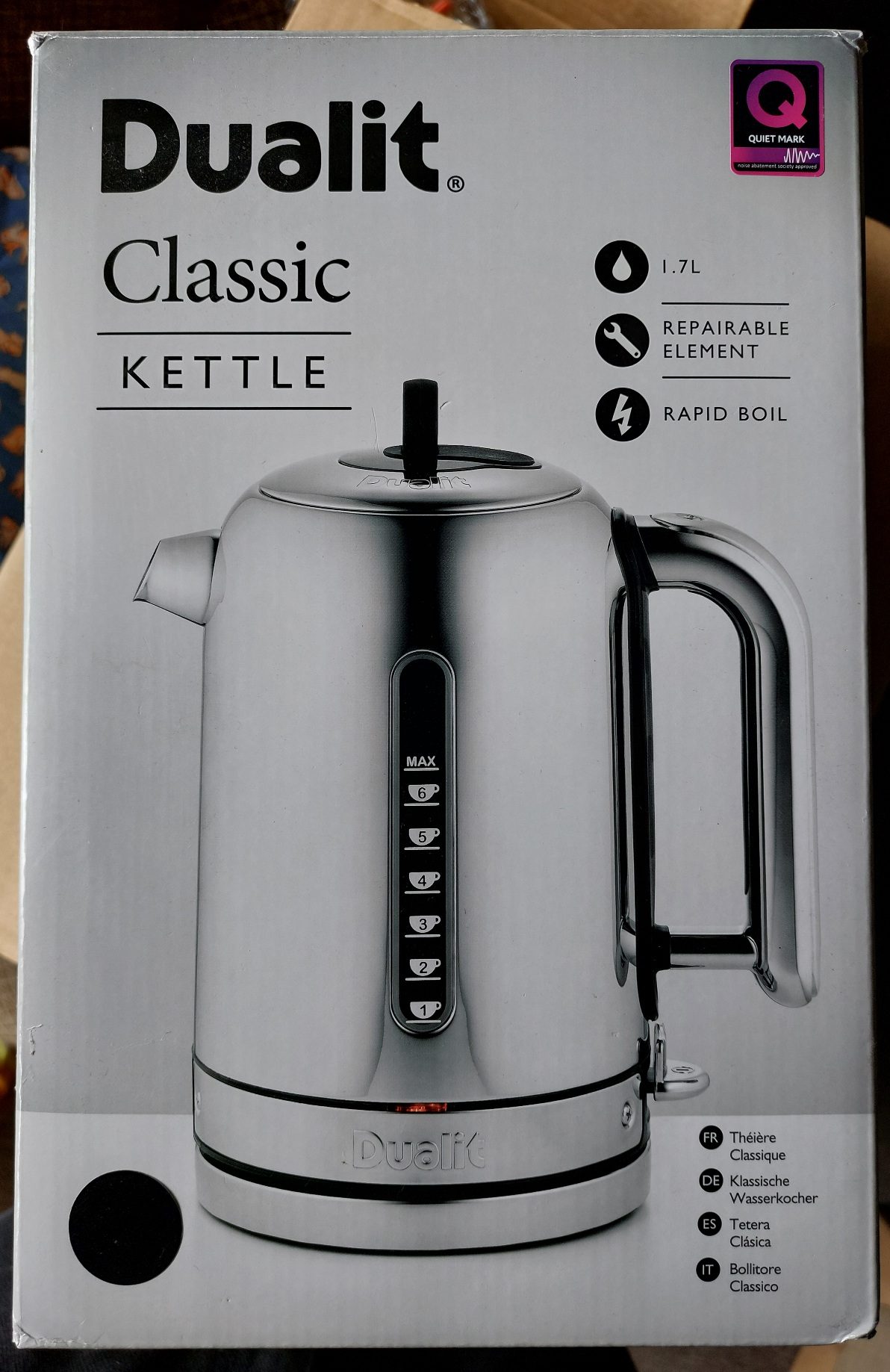
About 3 years ago I bought what I thought was a high quality “for life” kettle from Dualit, part number CVJK13. I paid way more than was reasonable (looking now they’re approximately £150) but thought it was a long term investment, in the environment perhaps if not financially. The kettle didn’t last 3 years before it started having issues. The on switch wouldn’t stay on. I investigated and found that there is an angled plastic part that detects the presence of the base and presses a switch when the kettle is correctly located on the base.

They made it out of plastic so soft that it has worn down and has a notch in it, preventing it from depressing the internal switch. In short, the kettle to base interlock doesn’t work any more.
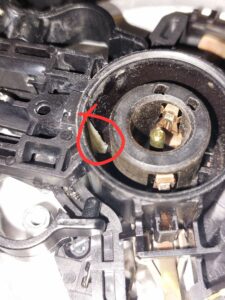
Worn part inside the kettle side of the interface with the base.

I contacted Dualit and was quoted £58 for repair and return shipping (I’d have to pay about another £10 to ship it to them). They do not sell parts to repair the kettle yourself.

It is usually good design to ensure the wear part is the easier to replace component – given this is burried in an assembly inside the actual kettle part, I’m not sure this is the case here. I suspect a whole new base would have cost significantly less than the quoted repair cost. Plus, 3 years means that the part is way softer than required for the use case.

While I love their toasters, which you can buy parts for, I am never buying a premium kettle again as we historically had more longevity from a Tesco “Value” kettle, and you could have bought more than 15 of them for the price of one of these.

I have ordered a £22 (delivered) kettle as it’s replacement. Note there are kettles much cheaper than this available. Lesson learned – don’t buy premium kettles expecting a better product. There is no element (heh) of the design that justifies the price.
Odd Startup Disk Behaviour

Odd Startup Disk Behaviour

Update – I’ve since discovered that this behaviour is improved if you put newer drivers on the disk. This sounds obvious, but in most instances, if you format the disk in an older version of Mac OS, and then try to update the driver, it doesn’t work because there isn’t sufficient free space for a larger driver (I believe, let me know if I’m misunderstood). The crude and destructive way of fixing this is to delete the first data partition, create a small 1 or 2MB partition straight after the driver partition, then recreate the data partition. At this point, delete the small partition and you’re left with a little gap. If everything works out, updating the driver will use this gap and will actually work. I… haven’t done this in a little while, so I can’t remember if it is best to use one of the versions of Drive Setup that supports 68k macs, or the last version of Apple HD SC Setup.

Original Post

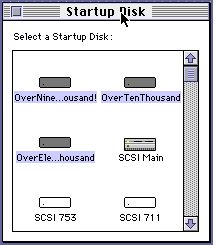
I’ve found that when I put a large (9GB), more modern SCSI hard disk in some of my older 68k Macs, they stopped allowing me to individually select boot partitions in the Startup Disk control panel. This is extremely frustrating as it limits you to only booting from the first partition of each installed disk, even though your desktop is full of smaller partitions.

Startup Disk

The issue most obviously manifests when you find that if you open the Startup Disk control panel and pick a partition, closing and reopening the control panel shows all partitions on that disk as selected, and when you restart, the computer just boots from the first partition on the disk.

I haven’t worked out exactly what causes it, it may be due to my choice of partition size, or just the model of disk, but, regardless, I have found a workaround that doesn’t involve using the elderly utility “System Picker”.

I’ve found that for some reason, this issue goes away (although the the all partitions selected in the control panel remains) in Mac OS 8, and more interestingly, if you copy the Startup Disk control panel from Mac OS 8 onto other systems (I just copied it to the desktop, it doesn’t need to actually be installed), you can boot from any partition!

Useful to know.

If you don’t have a copy of Mac OS 8 or similar available, here is a copy from Mac OS 8.1 :

http://elephantandchicken.co.uk/downloads/Startup%20Disk.sit.hqx

Programming a AT28C64 with a TL866ii Plus

Quick note to help other people in a similar situation…

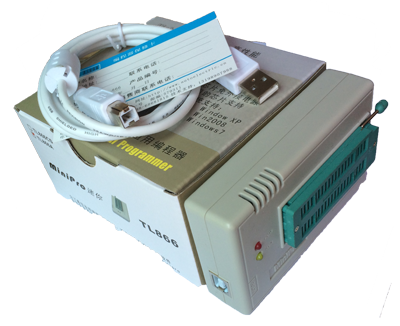
I was trying to burn the ROM form my breadboard Z80 project based on Grant Searle’s design, but was having verification errors when using either Xgpro running in Wine (on Linux) or minipro from the command line. I was trying to burn the ROM to a 64 Mbit AT28C64 (Atmel) chip.

TL718

In frustration, I tried selecting an equivalent AMD part, the AMD28C64A, and it worked first time. This is after hours spent trying to get the other settings working, worrying I hadn’t done something right, trying to change the programming speed and worrying that my chips were dead.

Hope this note helps someone else. Not the best first experience with the device. Even more annoying that it works just fine with the AT28C64B.

Here are some of the various errors I was getting :

Verification failed at address 0x0001: File=0xC3, Device=0xFF

ERROR! CODE Address0x000001 Buf_Val:0xC3 IC_Val:0xFF